Allow contact objects to be added to matters as custom fields
-
Currently we can add custom strings and dates to matters:
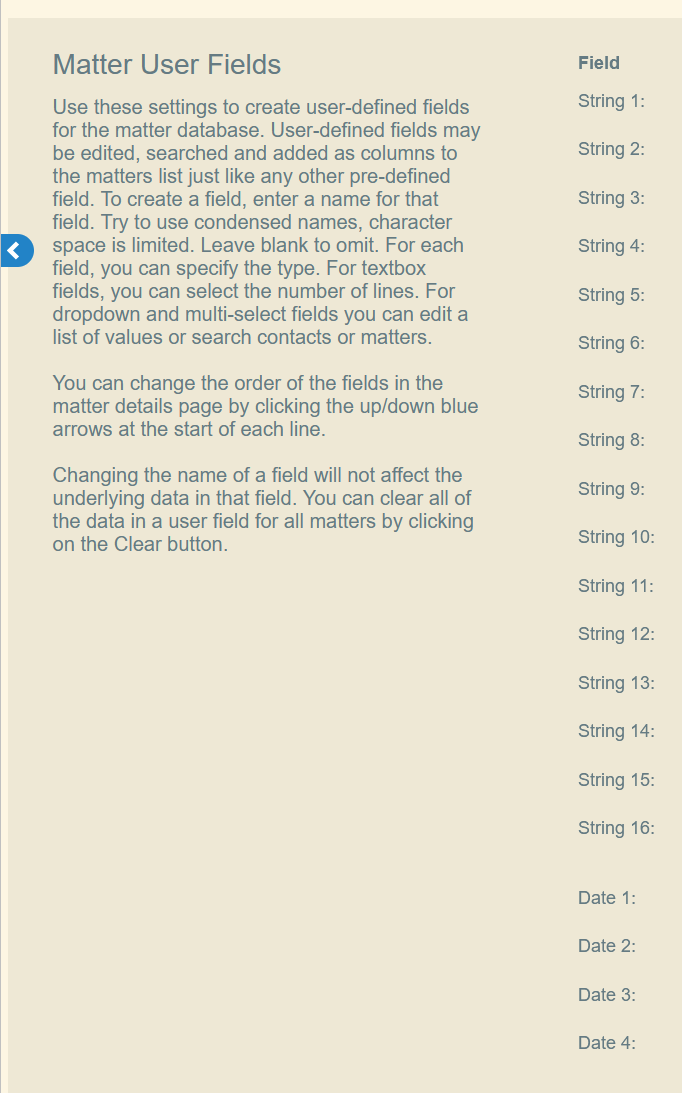
It would be helpful to be able to add custom contact objects to matters as well, which can be used as billing contacts, docketing contacts, etc.
-
@gregg_appcoll OK so to clarify, if I create a custom field "Test," configure the field for a contacts query, and set that field for a given Matter to a particular Contact, then {Matter.Test.email} will return that Contact's email address? How can I restrict the contact fields to match the current client? This is the logic I'm looking for but the syntax isn't quite right:

-
I wanted to mention one more thing. Are you aware that you can click the hyperlink on each contact in a matter page to get some of this info? See below.

-
I understand what you're saying and the difference between what we provide and what you're seeking. We will pass this on to engineering Sadiq.
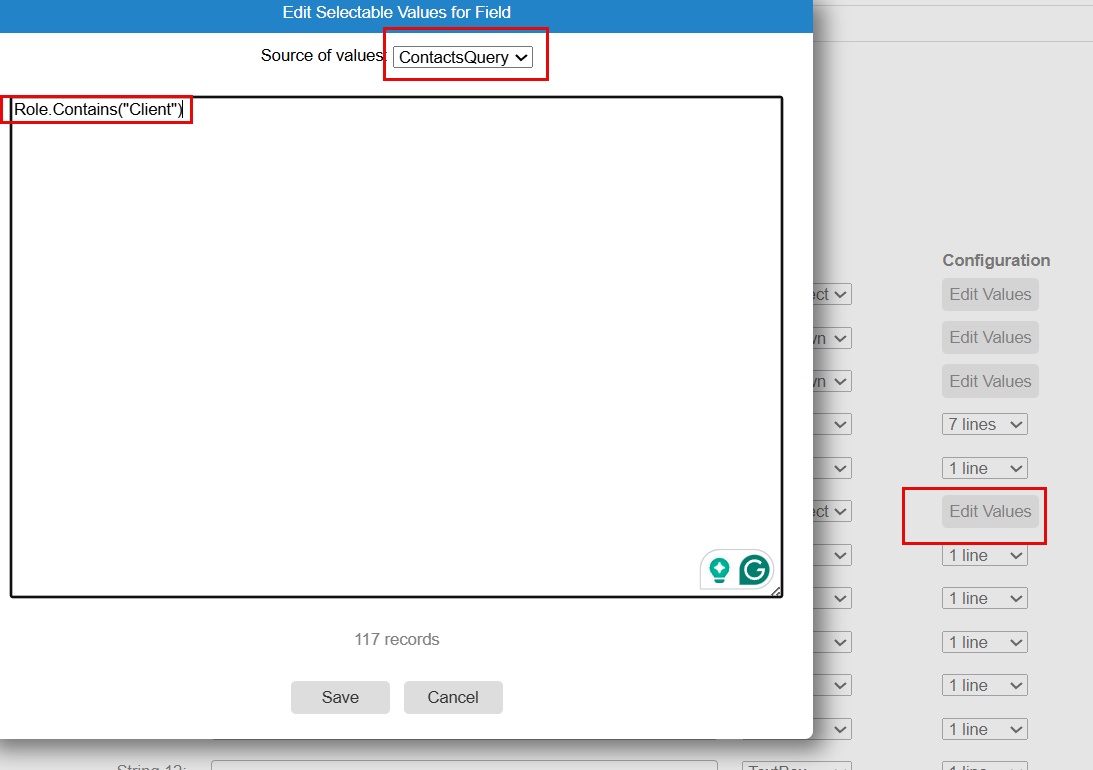
Regarding the contacts query option we currently have, the drop-down created by the query would list actual contacts, and not things like email addresses. You could use a query to only show a list of Inventors, by writing Role.Contains("inventor") for example.
Thank you.
-
@gregg_appcoll I think this can work as a partial workaround, but it is orders of magnitude more complexity than simply allowing Contact objects to be matter fields. I'm also not sure what the ContactsQuery actually returns for the text box. Is it the name, email address, or what? I want to be able to separately use this contact's email address and first name, for example.
-
Hi Sadiq - you can use contact queries for any of the custom string fields. See below as an example. Does this work for you?